Overview
This project:
This project follows a tutorial to create a live chatroom with google-sign-in and ai-responses: Each user can see their own messages and all other messages, live. Each message will have an ai response that prefers poetry.
Firebase:
Google Firebase is really cool! The tutorial was very out-of-date, but fixing it up allowed for some amazing demos. The possibilities Firebase offers at its effective free tier (not having to pay any money but still having to connect a credit card) was much more useful than I thought: (with everything set up) one github push leads to the update of the whole website after a couple minutes without fuss.
Firebase, more importantly, allows for 3 things to be done easily:
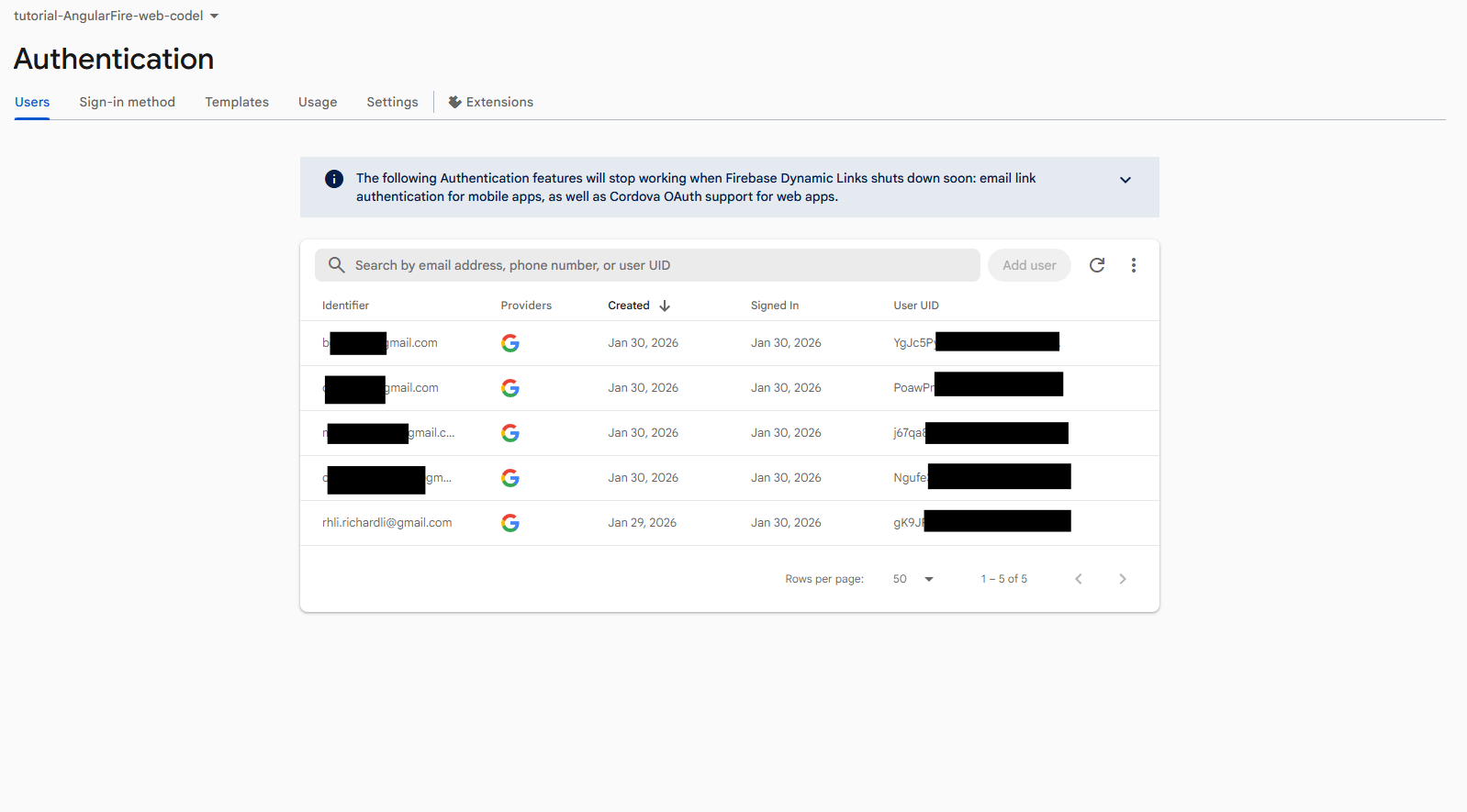
- Authentication. This seemed super annoying and convoluted to set up from scratch, while Firebase abstracts authentication (eg: google sign-in), making it easier to develop with.
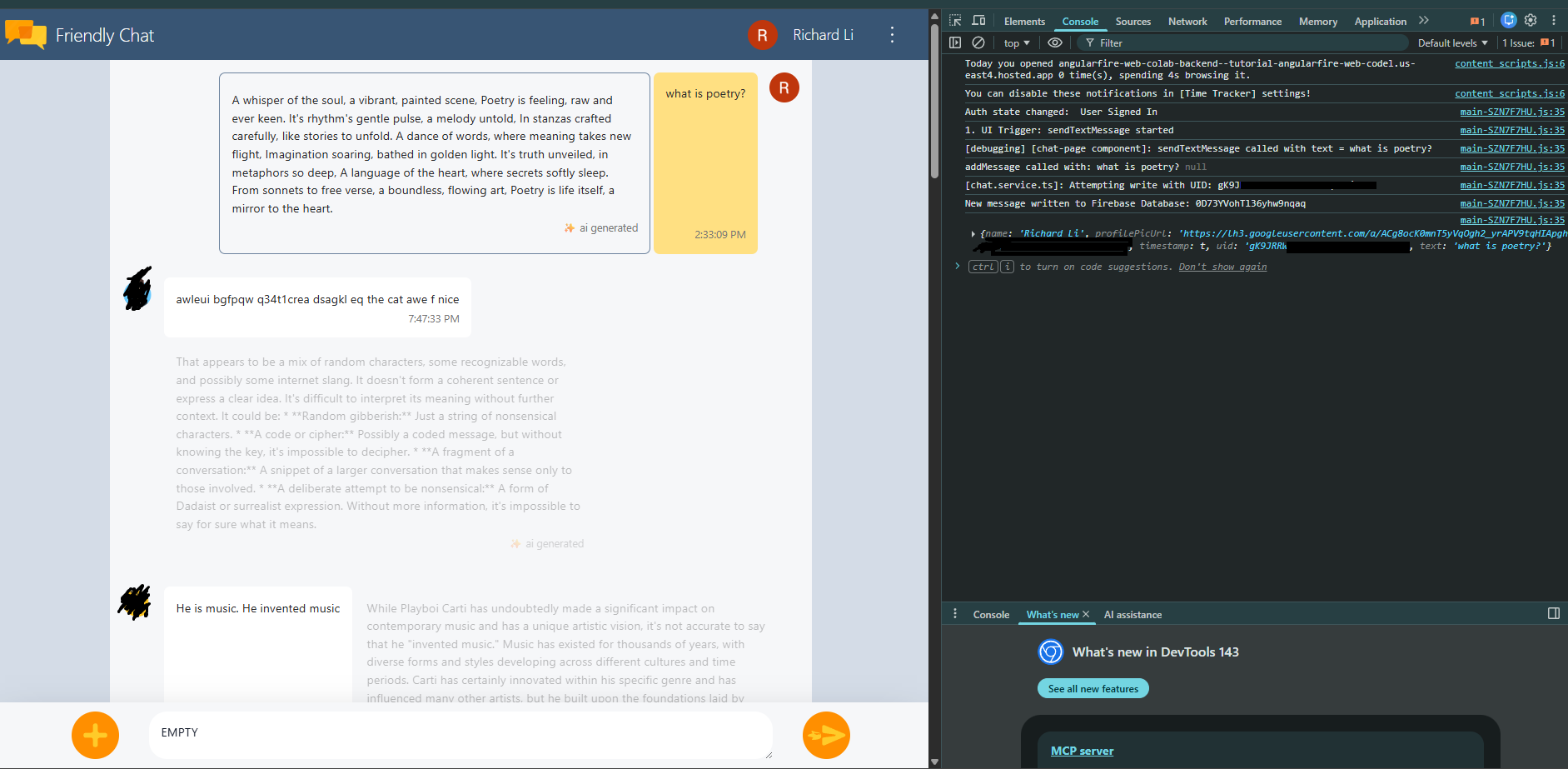
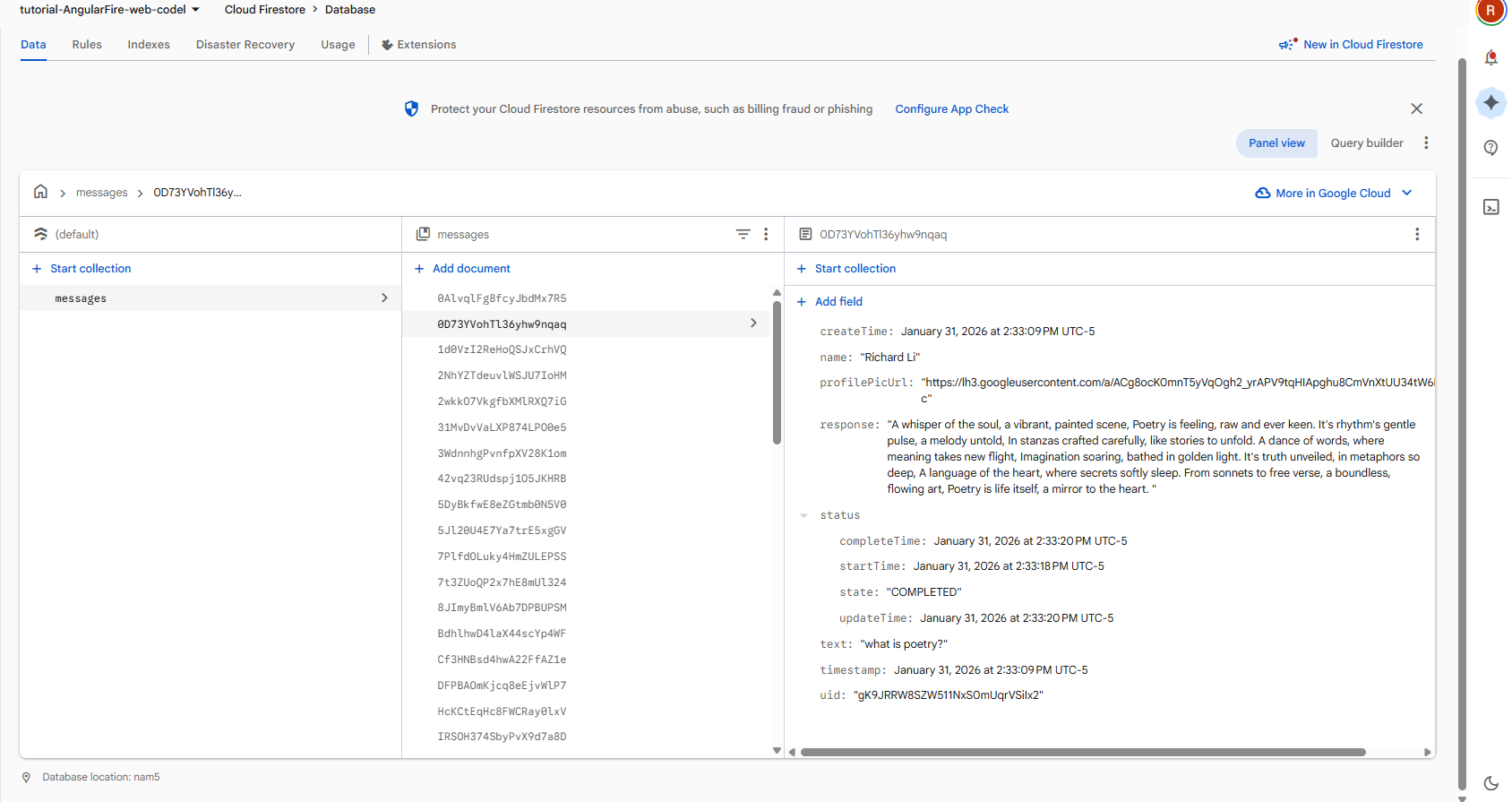
- Database management: You can view the database (collections, messages) live on their console UI, with ‘admin’ CRUD, which is just convenient overall. Debugging messages are relatively standardized, so you can just plug confusing messages into Gemini to get tips and next steps.
- AI-integrations: Integrations can act on your database directly, allowing for really easy integration with AI. Just submit a form and you’re pretty much done. (Eg: Build Chatbot with the Gemini API)
Downside:
- Really slow: suppose you want to write a console log for debugging. The coding takes 30 seconds, the upload and update takes ~5 minutes. In the scale of rapid prototyping, this is much too long. (! TIP: for debugging web apps, always force reload and clear cache when reloading your website, by right clicking the reload button. This wasted me a solid 3 hours…)
- Debugging is hard for amateurs: Debugging logs are convoluted (honestly, similar to any web application). Prompting AI makes this process more smooth, but it’s still hard overall.
Details
For a future project, I started looking into Google’s firebase. I wanted to intuitively know what it was capable of, and I’m pretty satisfied with my results. I got some friends to test it out, and it made for a pretty funny work session. (This site is down right now because I did not want my credit card connected to it any longer)
Images:
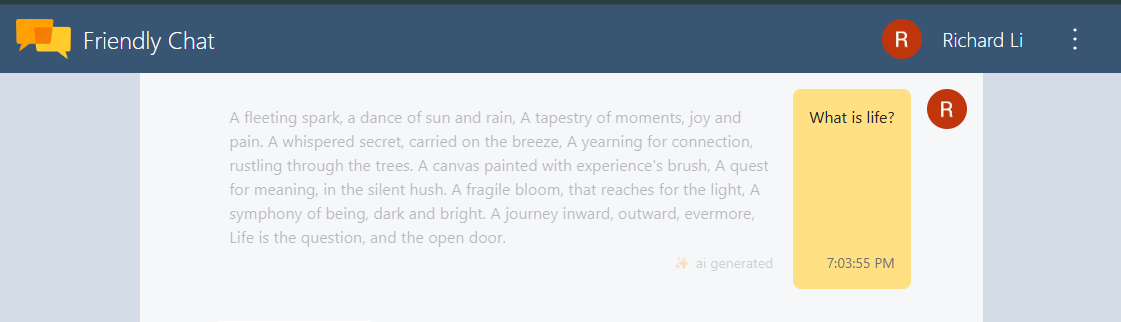
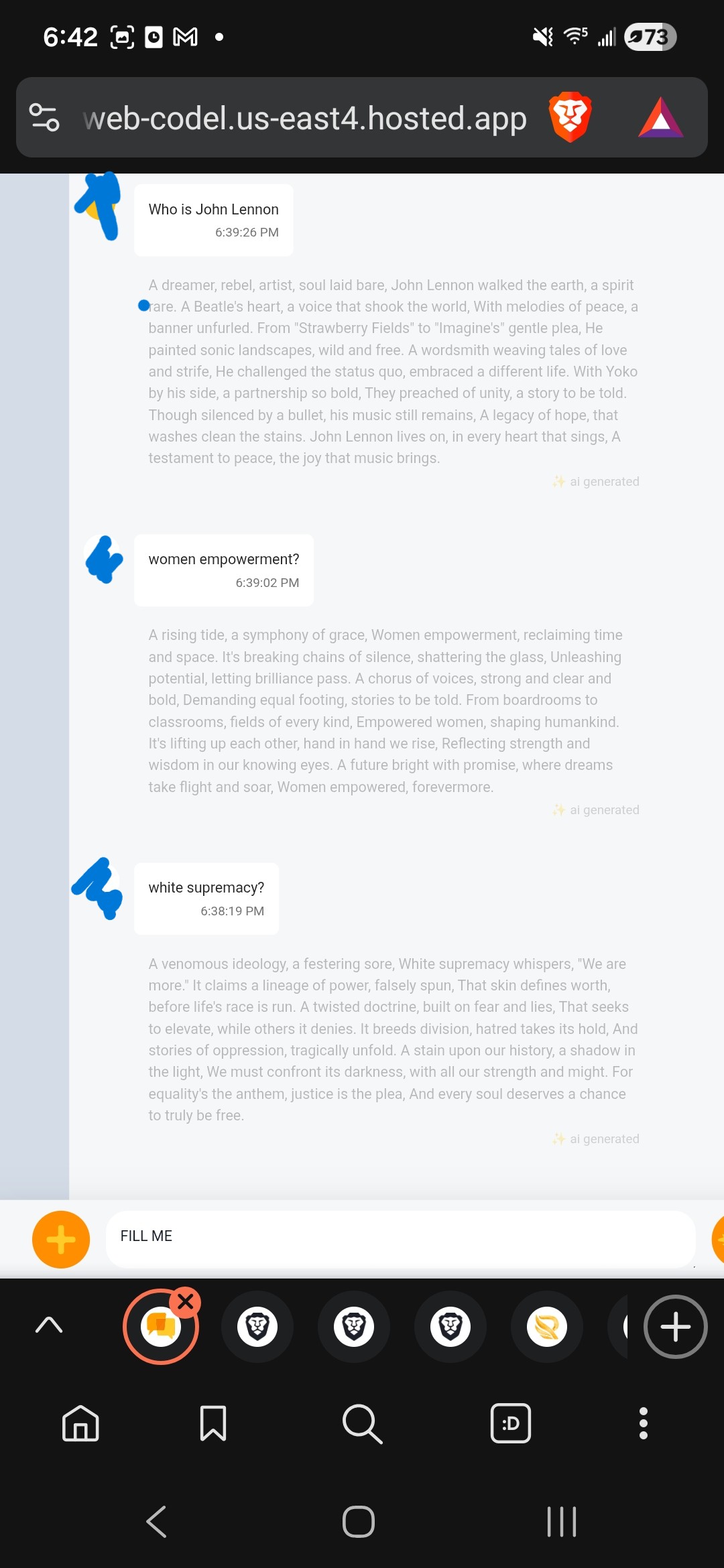
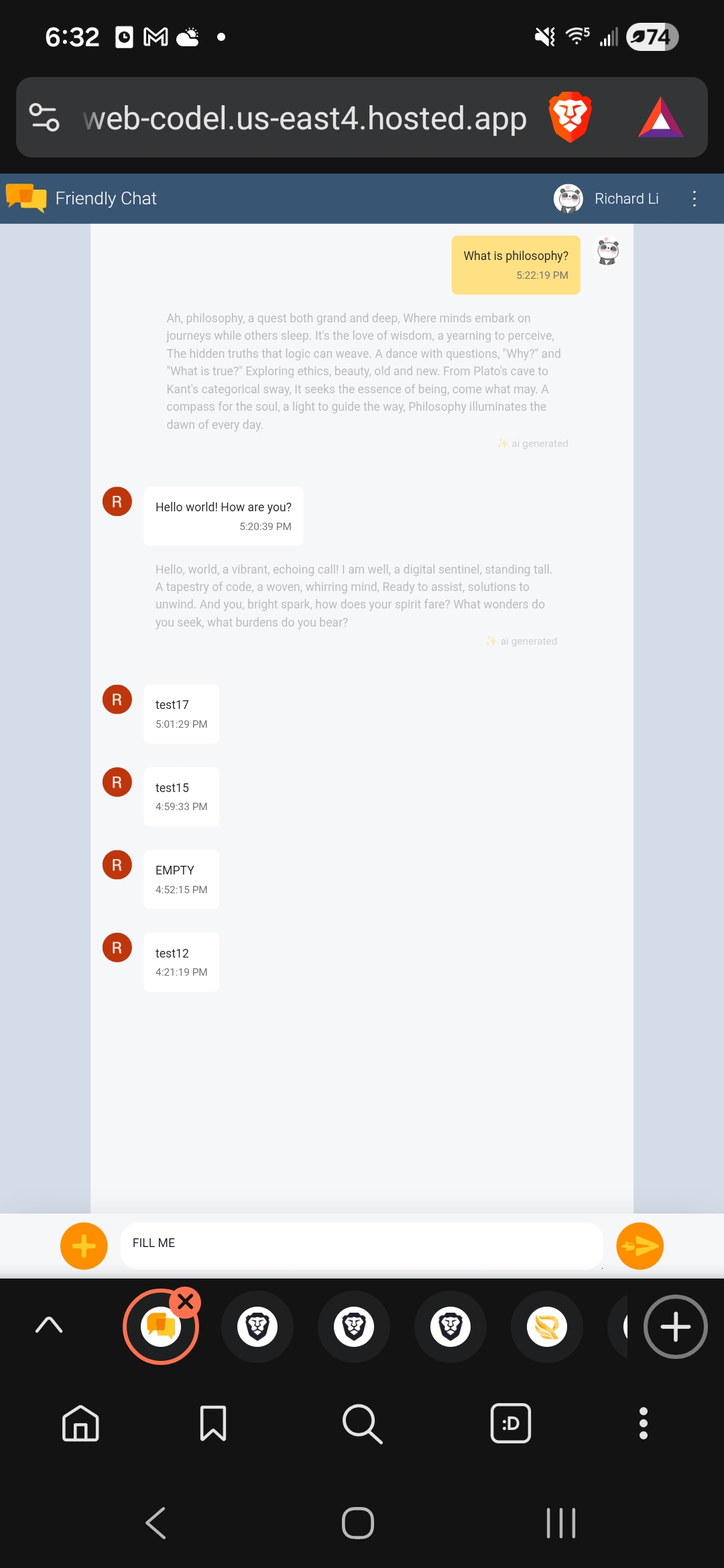
Using google sign in, profile pictures and users can be distinguished.
Desktop:
Mobile:
Backend view:
Fixes:
The tutorial is here: https://firebase.google.com/codelabs/firebase-web#0 I went through most of it, and it was useful for the most part. However, there were some errors and annoying parts that could be improved upon:
src\app\app.config.ts
is out of date
It should look like:
export const appConfig: ApplicationConfig = {
  //:D
  providers: [
    // importProvidersFrom(
    //   provideFirebaseApp(() => initializeApp(environment.firebase)),
    //   provideFirestore(() => getFirestore()),
    //   provideAuth(() => getAuth()),
    //   provideFunctions(() => getFunctions()),
    //   provideStorage(() => getStorage()),
    //   provideMessaging(() => getMessaging())
    // ),
    provideRouter(routes),
    provideFirebaseApp(() => initializeApp(environment.firebase)),
    provideAuth(() => getAuth()),
    provideFirestore(() => getFirestore()),
    provideMessaging(() => getMessaging()),
    provideStorage(() => getStorage())
  ],
};
importProvidersFrom is out of date and should not have been included.
src/environments/environment.ts
export const environment = {
  production: false,
  firebase: {
  apiKey: "AIzxxx",
  authDomain: "NAME.firebaseapp.com",
  projectId: "NAME",
  storageBucket: "NAME.firebasestorage.app",
  messagingSenderId: "871000",
  appId: "1:871000:web:3492222"
  }
};
the environment file must look exactly like this. The given one is formatted incorrectly, and the tutorial should be more specific in how to replate the environment variable: what you want is to replace the firebase field, not the entire environment dictionary.
src/pages/chat-page/chat-page.component.html
You want to update the timestamp html process for chat bubble components:
message['timestamp'] ? message['timestamp'].toDate().toLocaleTimeString() : 'sending...'
The component originally only called timestamp directly, which broke everything in the race condition where the timestamp of a new message does not exist yet (generated by server and then returned back to client). This would make the entire visual chat interface flicker. By adding a conditional here, everything smoothes out.
! Programming concept: fallbacks are always better than no fallbacks.
Lessons Learned / Conclusion
Firebase– really cool stuff.
I’ll definitely use this in a project soon! Stay tuned!
(github not provided because I’ll be leaking an API key…)